Want to play next week? Start there.
Tell us when, where and what kind of lesson. Coaches who fit send you offers. Group lessons and events are on your phone too.
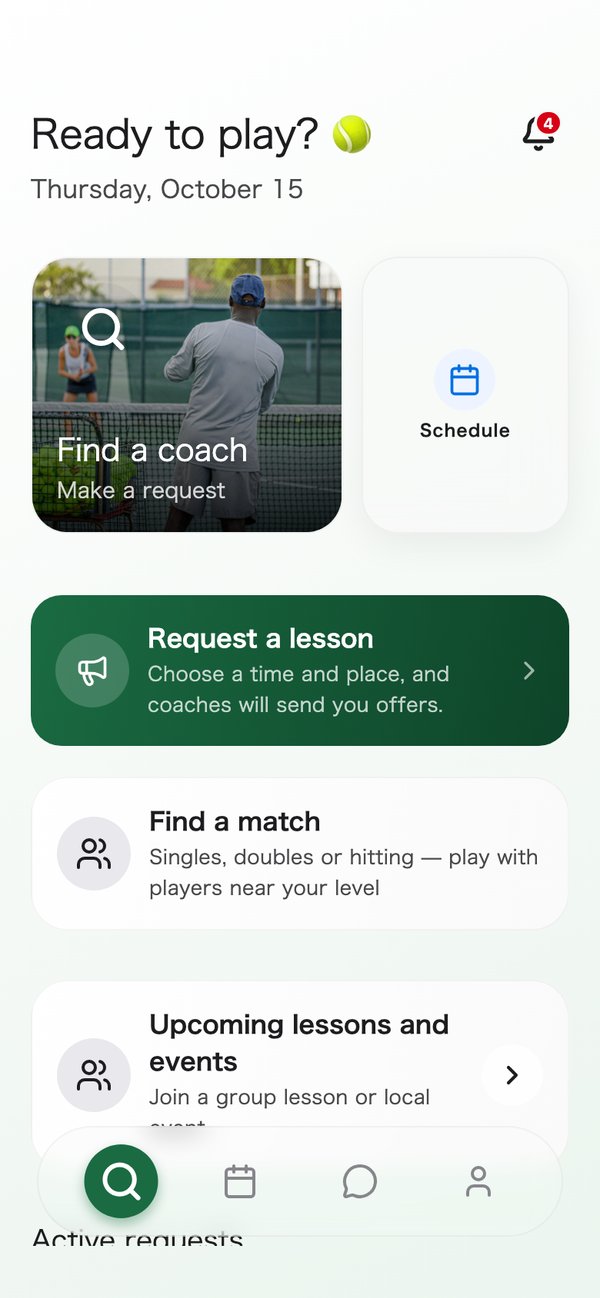
Learn from a coach
Send a day and a place, and coaches who fit send you offers. Then pick a time that suits you.
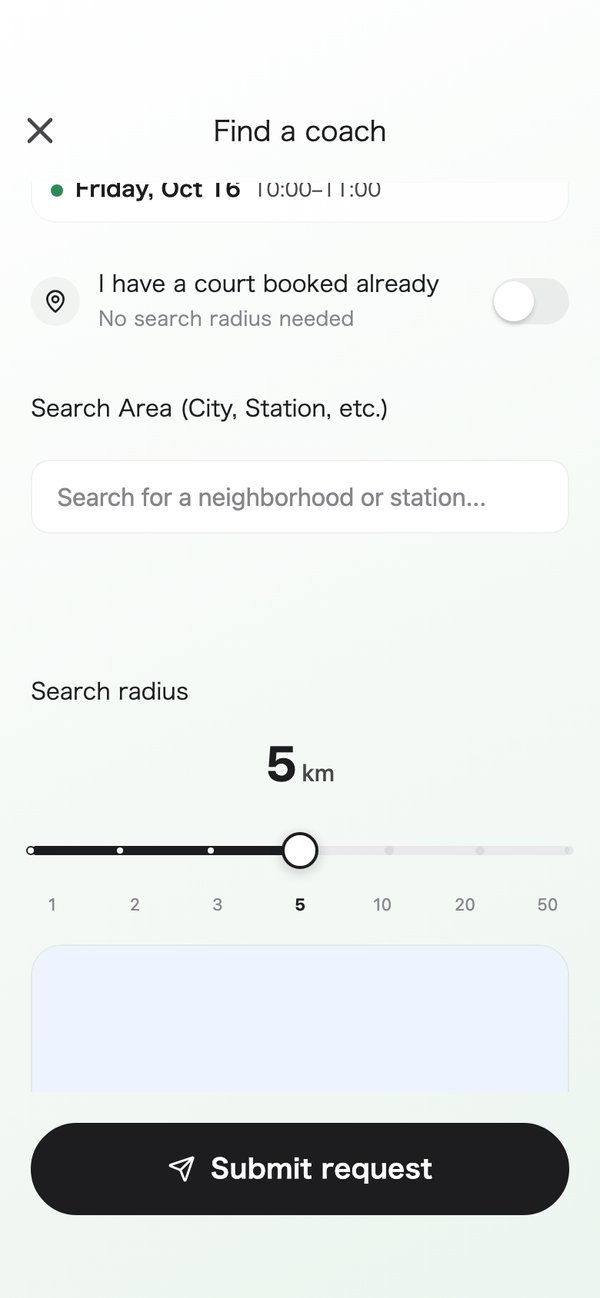
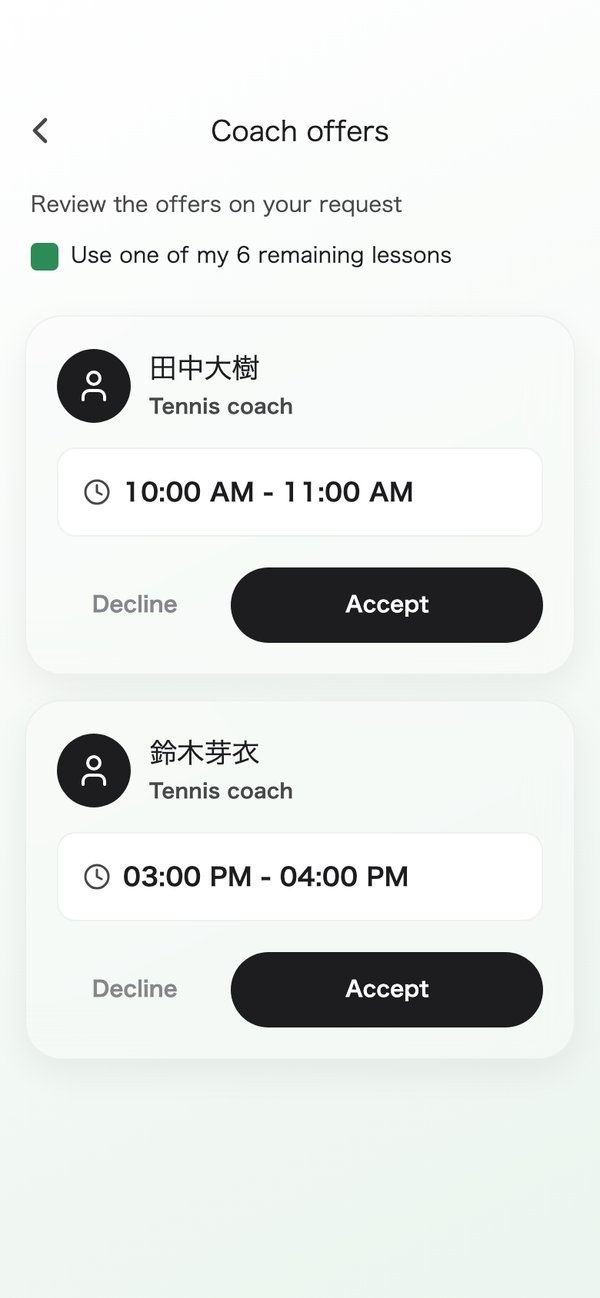
- Read a coach’s introduction, qualifications and reviews to get a feel for them.
- When an offer arrives, accept it if it looks good, or decline it.
- Accepting does not charge you. That happens after the lesson.
Join group lessons and events
Coaches and schools open group lessons and events, and you sign up in the app. A good pick for a day you want to play with a different crowd.
- Browse what is coming up and sign up for what catches your eye.
- See how many spots are left in the list.
- If your plans change, you can cancel your sign-up.
Find a school, and look back on your lessons
Search for a school in the app and ask to join. The request lands in the school’s inbox and the school decides.
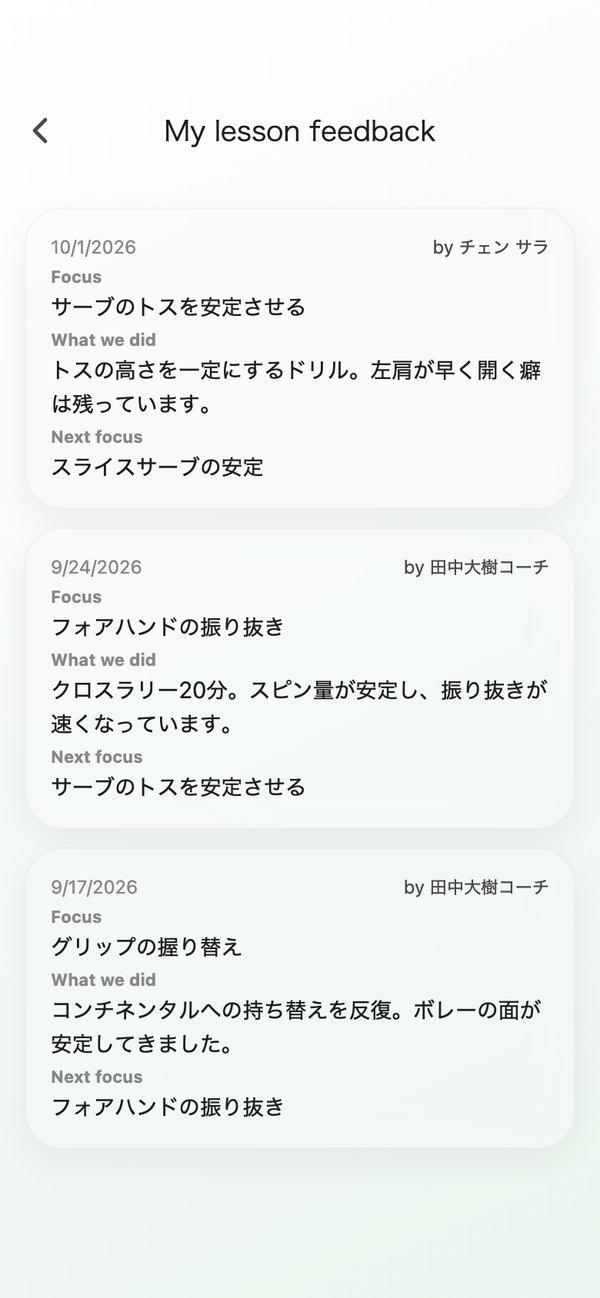
- For bookings made through a school (entered by the office, or recurring lessons), you can read your coach’s feedback after the lesson.
- You can read the focus, what was done and the next focus.
- Reviews stay hidden until both of you have written one.
Getting started takes three steps
- 1Send a day and a place
- 2Offers arrive from coaches who fit
- 3Accept and take the lesson. You are charged afterwards
The details: payment, cancellation and more
Requests and offers
- Your request goes to every coach who fits. You cannot pick one coach yet.
- An offer is valid until the earlier of 24 hours after it is sent and the start of the first time offered. Sometimes no coach replies before the time runs out.
- When you accept an offer, the booking is made. You are not charged yet.
You are charged after the lesson
Accepting an offer does not charge you.
- When the lesson is over and the coach records it as done, your card is charged.
- Six hours after a lesson ends, it is marked done automatically, even if no one has recorded it. You are charged at that point.
- If a payment fails, update your payment method from the booking details.
- Receipts are not available yet.
Cancel in two taps
From the booking details, tap Cancel booking, then Cancel on the confirmation screen.
- The confirmation screen shows that booking's rule.
- Each school sets its own cancellation deadline. It is fixed when you book.
- If the coach or the school cancels, you pay nothing for the lesson.
- There is no button to change the date yet. Cancel and book again.
After the lesson
For bookings made through a school, you can read your coach's feedback.
- You can read the focus, what was done and the next focus.
- A review is 1 to 5 stars and a comment. It stays hidden until both of you have written one.
- You are not notified when new feedback arrives. Open the booking details after the lesson.
You do not need to be in a school
You can search for a school and ask to join, but you can take lessons without one.
- Your request goes to every coach who fits. You cannot pick one coach yet.
- The cancellation rule is set for each booking. The confirmation screen shows that booking's rule.
Be the first to know.
For launch updates or questions, email info@tennipro.com